Home/QR Menu
Contactless Menu Experience

QR Menu

Set up a digital QR menu for your restaurant or cafe. Customers scan the code on the table to see your menu instantly, and you manage prices and items from one panel.

Customer Experience

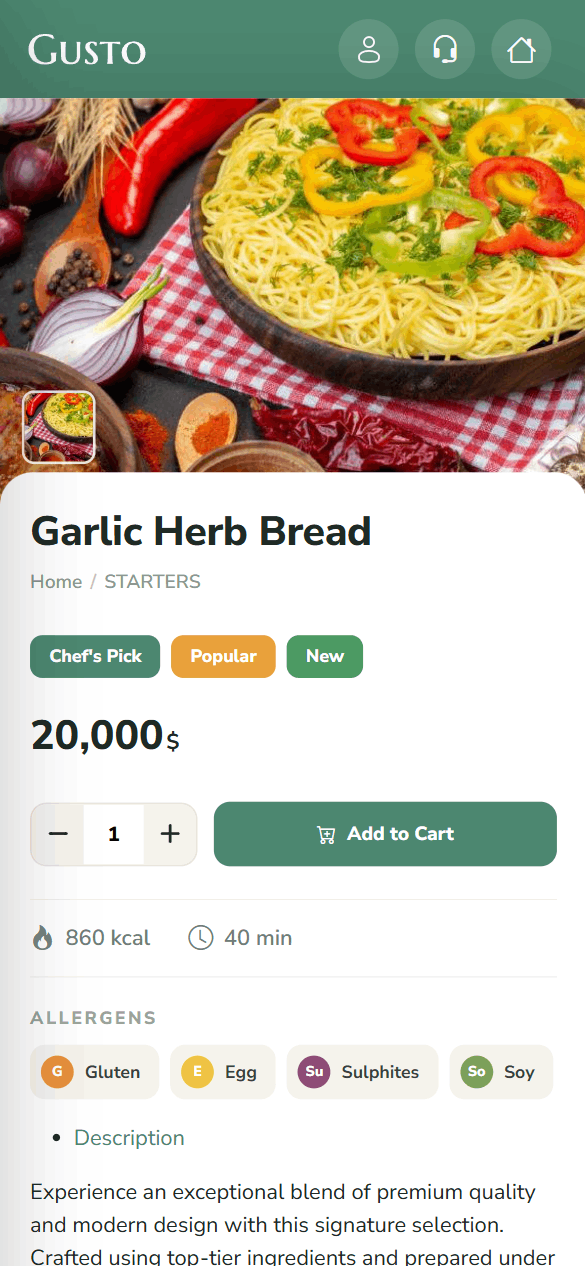
This is how your menu looks on a phone

After scanning the QR code, your customer moves smoothly from the main menu to a category and from a category to the item details.
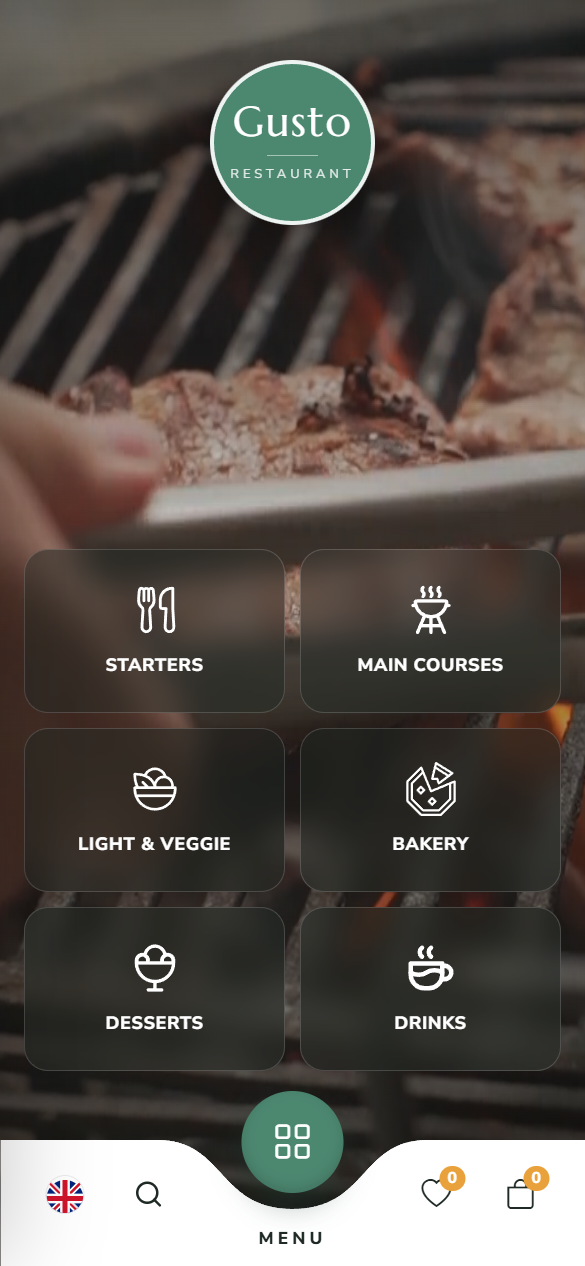
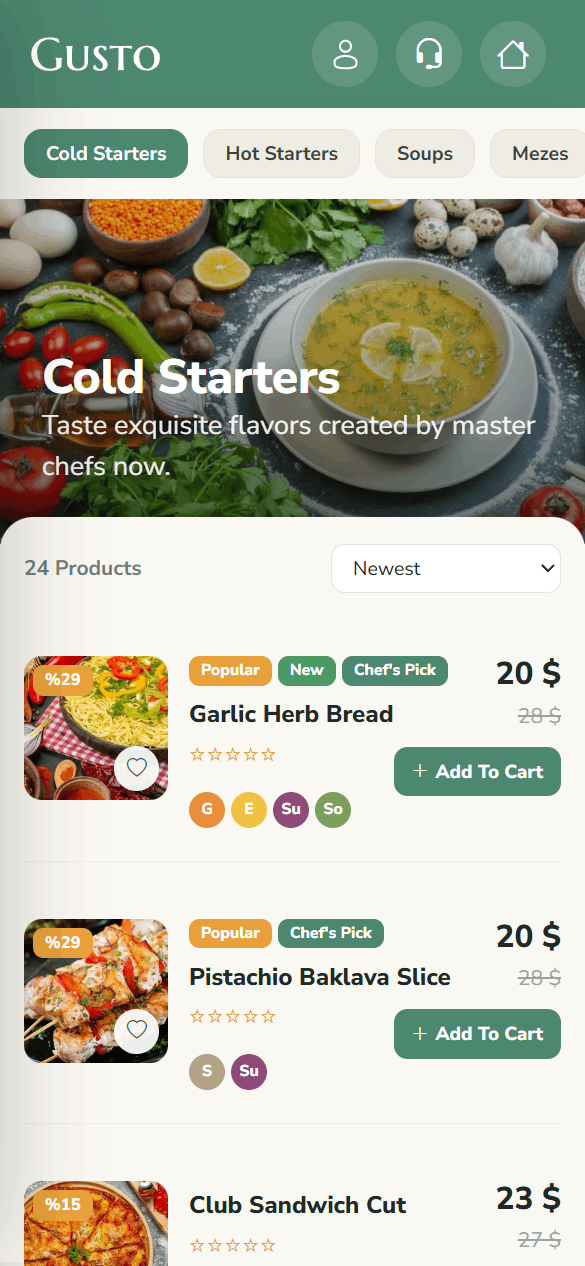
QR menu home screen
Main Menu
Category and item list
Categories & Items
Item detail page
Item Details
14+ Years of experience
1500+ Users
99.9% Uptime guarantee
24/7 Technical support
Key Features

Create a Professional QR Menu

Save on printed menus and update your items instantly.

QR Code Access
Customers scan the QR code you create for each table and view your menu in their browser, with no app to download.
Category & Item Management
Organize your items into categories and subcategories and edit them easily with photos, descriptions and prices.
Multi-Language Menu
For businesses in tourist areas, offer your menu in several languages; visitors pick their language and browse.
Instant Price & Stock Updates
Update a price or a sold-out item in the panel, and the change reaches every QR menu instantly.
Allergen & Label Information
Add allergen warnings and labels such as vegan or gluten-free to each item to inform your customers accurately.
Call a Waiter
Customers can call a waiter from the menu with one tap, and the request reaches your staff instantly.
How It Works

Your QR menu is ready in 3 steps

01

Create Your Menu

Add your categories and items in the panel and enter photos and prices.

02

Get Your QR Codes

Print the QR codes generated automatically for your number of tables and place them on the tables.

03

Update Instantly

Make price or item changes in the panel and keep your menu current with no printing costs.

Quote & Demo

Let's set up your QR menu together

Leave your details and our experts will set up a demo tailored to your business.

Unlimited products and categories
Multi-language menu support
Go live the same day

By submitting, you accept the privacy notice .

Good to Know

QR menu FAQ

No. After scanning the QR code, your customer views your menu right in their browser, with no app to install.

Update the item's price in the admin panel; the change reaches the QR menu on every table instantly, with no reprinting.

Yes. You can prepare your menu in as many languages as you like; visitors choose their language when they open the menu.

On request, we can also add ordering and call-a-waiter features to the menu.

Get started today

Take your menu digital today

Set up your QR menu and place it on your tables; save on printing costs.